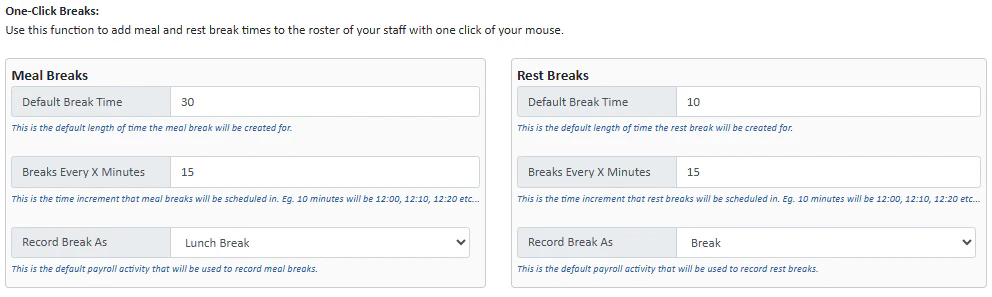
One click breaks are an easy way for you to add meal and rest break times to the roster of your staff.
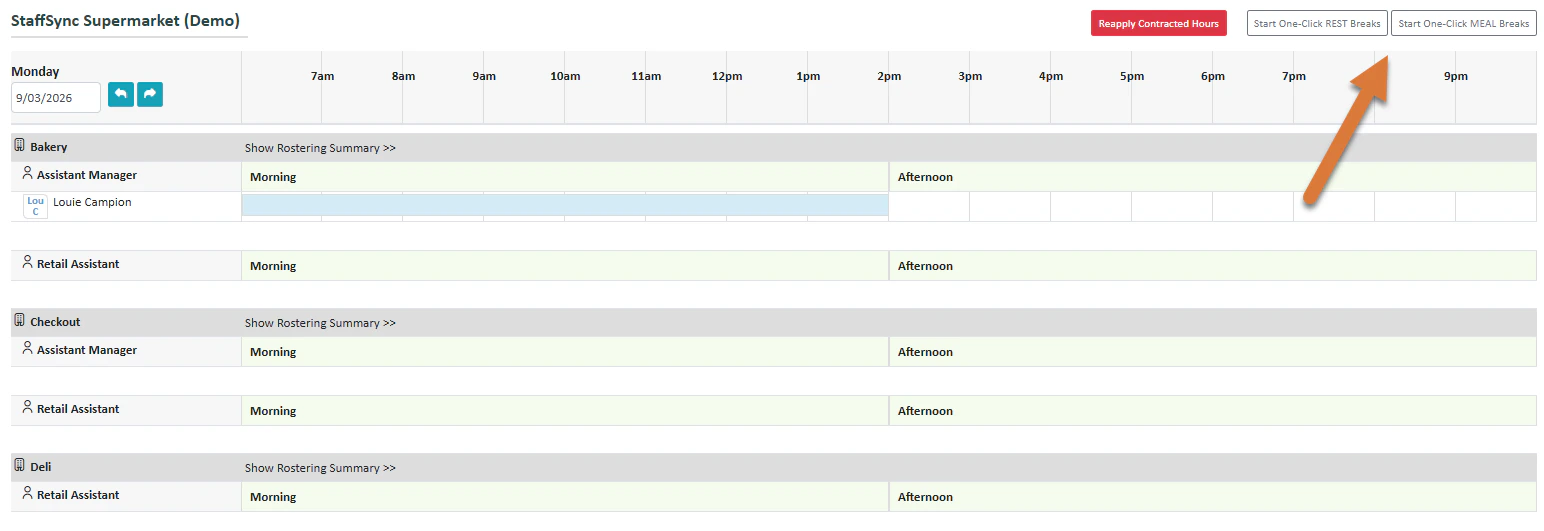
To apply a one-click break, press Start One-Click REST Breaks or MEAL Breaks.
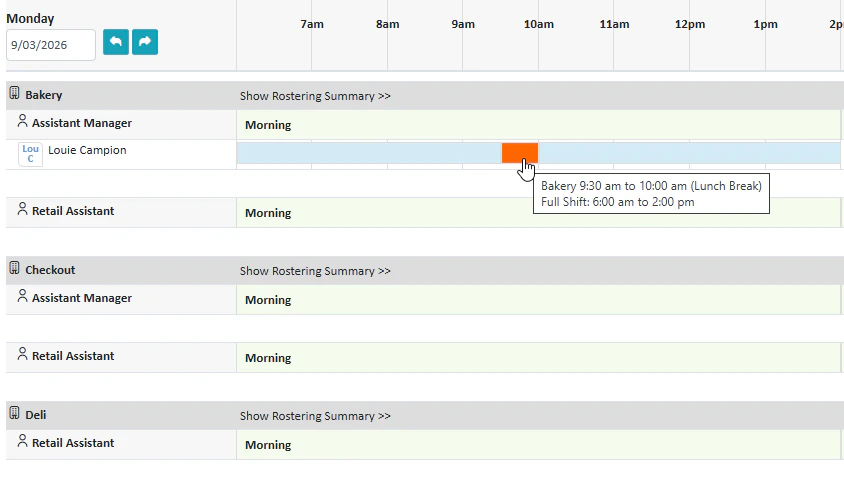
You will enter One-Click Break mode and will be able to select a time during the shift(s) to apply a break with the orange box. Press Stop One-Click Breaks once you have finished.
Was this page helpful?
Assistant
Responses are generated using AI and may contain mistakes.

.png?fit=max&auto=format&n=fTXEPIUfjW4rC1Pi&q=85&s=85d7b852879d29ad2bde9b743307ab0e)