Staff member groups are groups of staff to make it quicker and easier for you to notify your staff when publishing a job notice. There is no limit to the number of groups that can be set up. You can create as many as you require to make publishing your jobs quick and easy.To create a group:
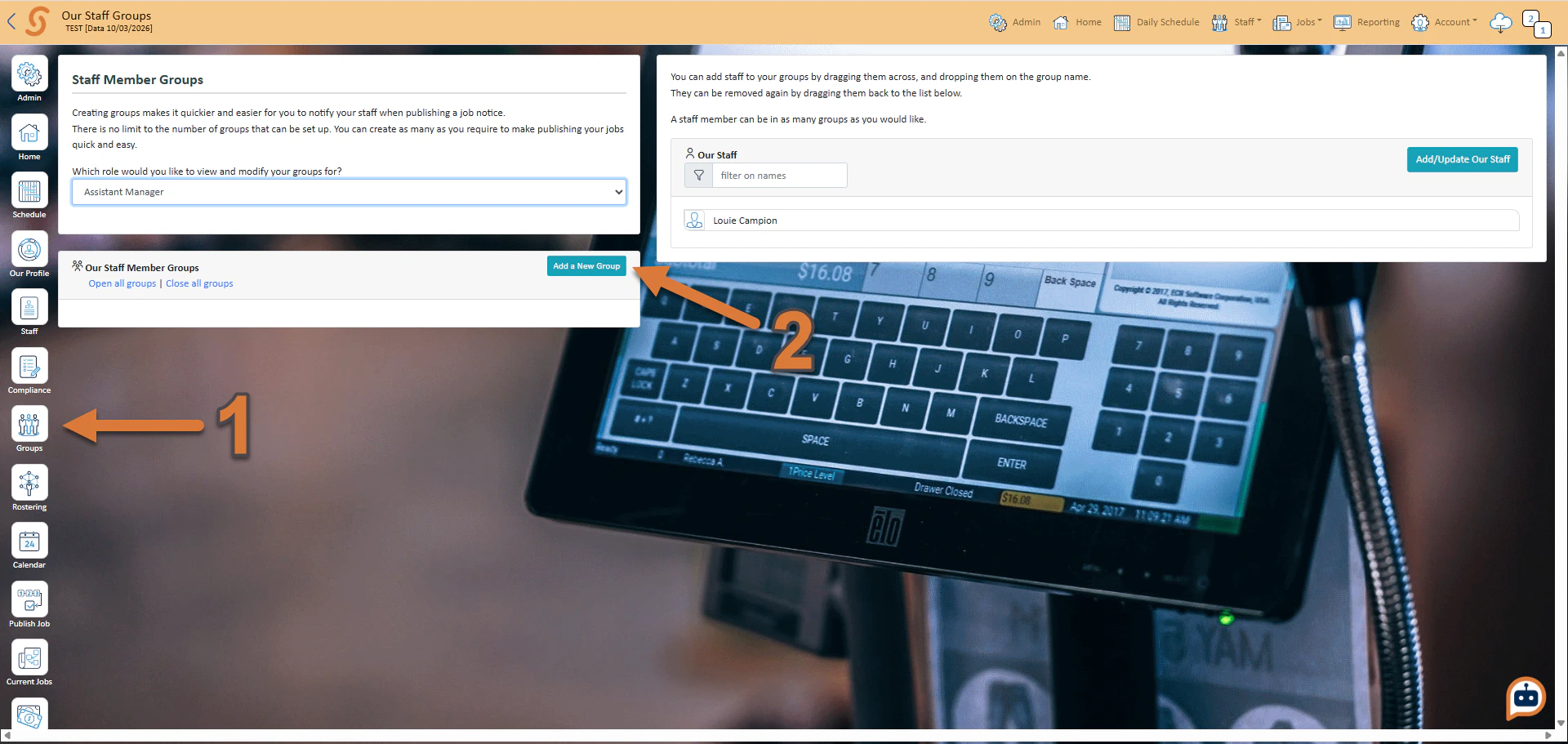
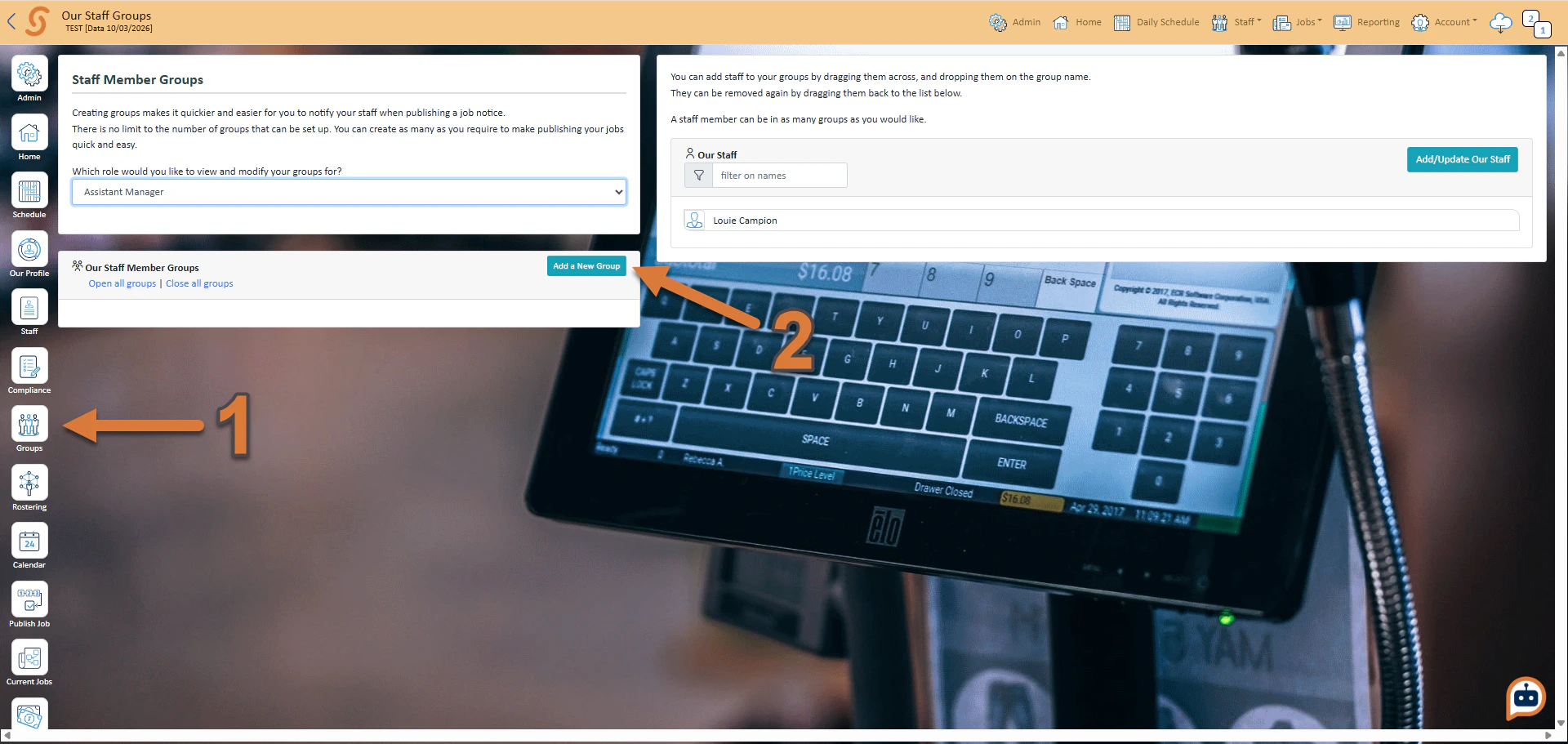
Press Groups
Press Add a New Group
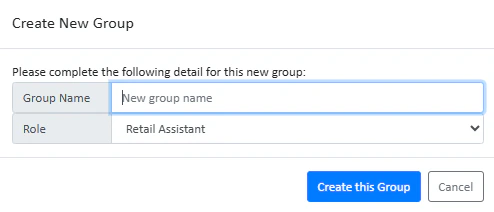
Enter your group name, and press Create this Group.
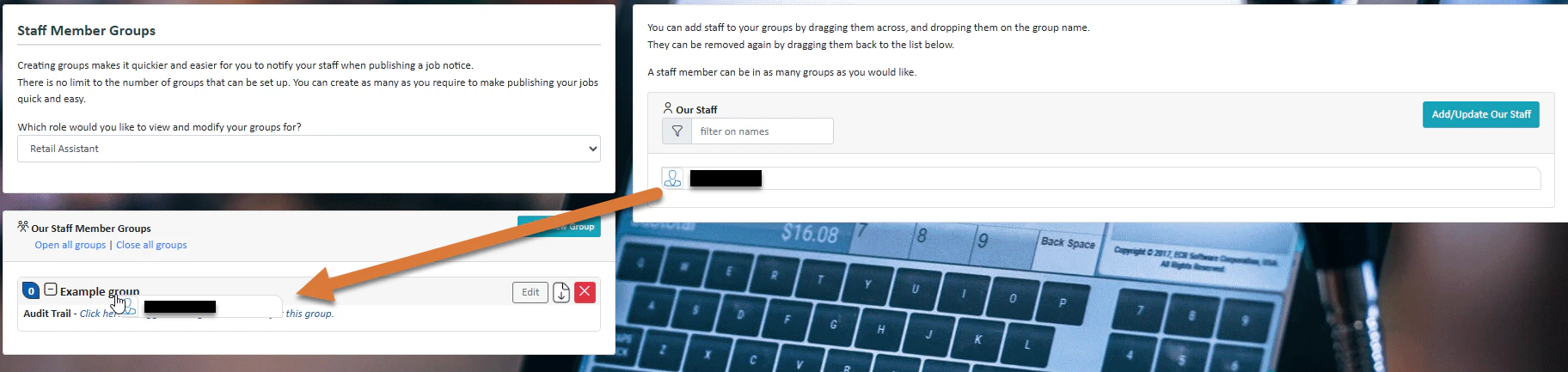
To add a staff member to a group, simply drag them across from the right and onto the name of the group.
Was this page helpful?
Assistant
Responses are generated using AI and may contain mistakes.

.png?fit=max&auto=format&n=fTXEPIUfjW4rC1Pi&q=85&s=85d7b852879d29ad2bde9b743307ab0e)