.png?fit=max&auto=format&n=fTXEPIUfjW4rC1Pi&q=85&s=85d7b852879d29ad2bde9b743307ab0e)
Example: You have published a job for Monday – Friday but the casual has responded saying they can’t work Tuesday.
You will need to assign the casual to the job, delete Tuesday’s timesheet and then publish a separate job just for Tuesday to find another casual to fill that day.
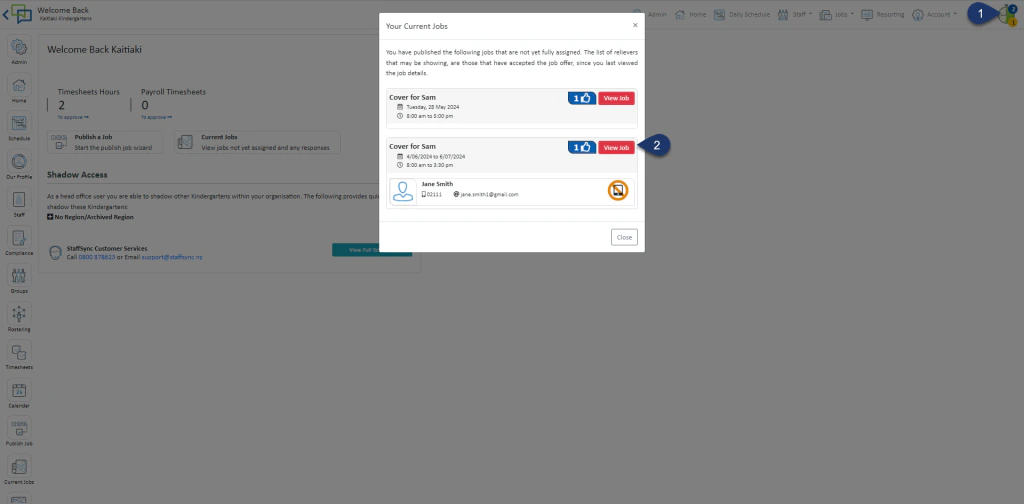
- Click on the clock on the top right-hand side
- Click View Job
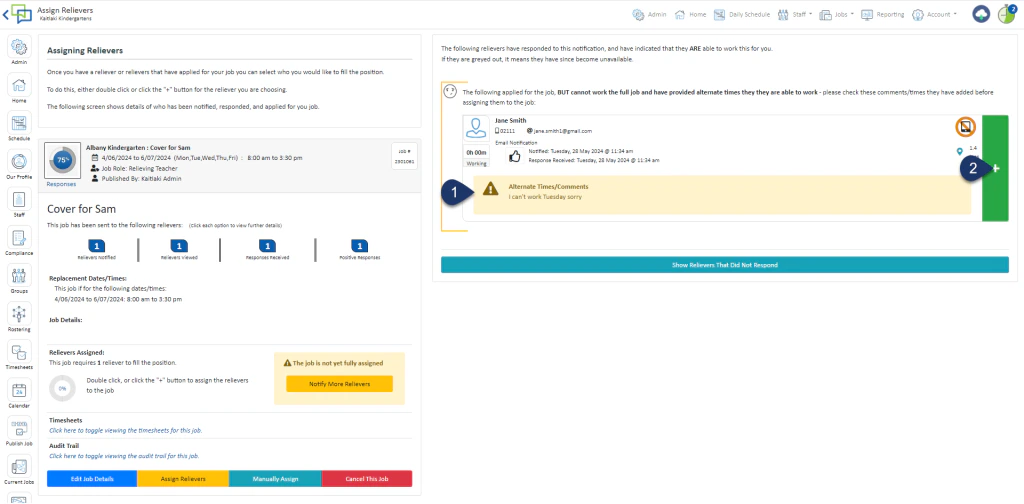
- Read the alternative Response
- Select the Green + to assign the reliever
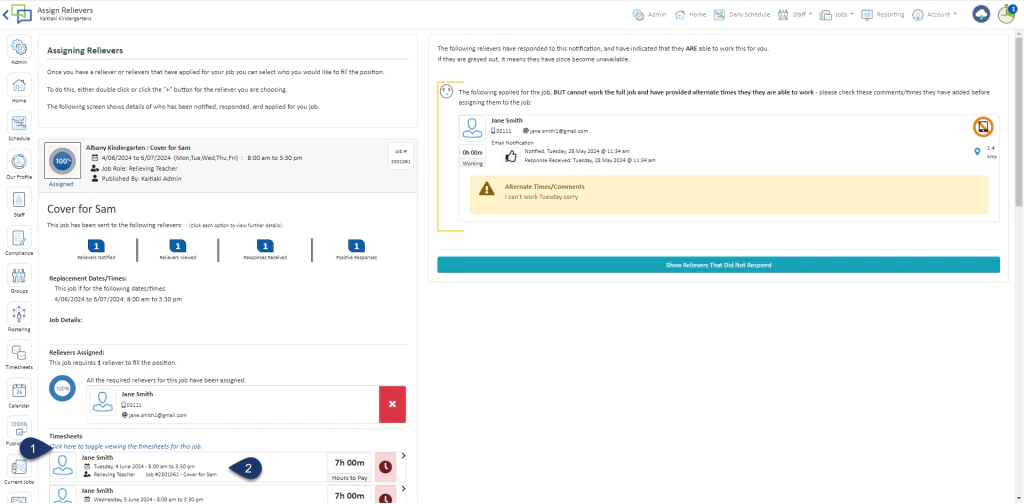
- Expand the Timesheets to see all the timesheets for the job
- Click on the timesheet you wish to amend or delete
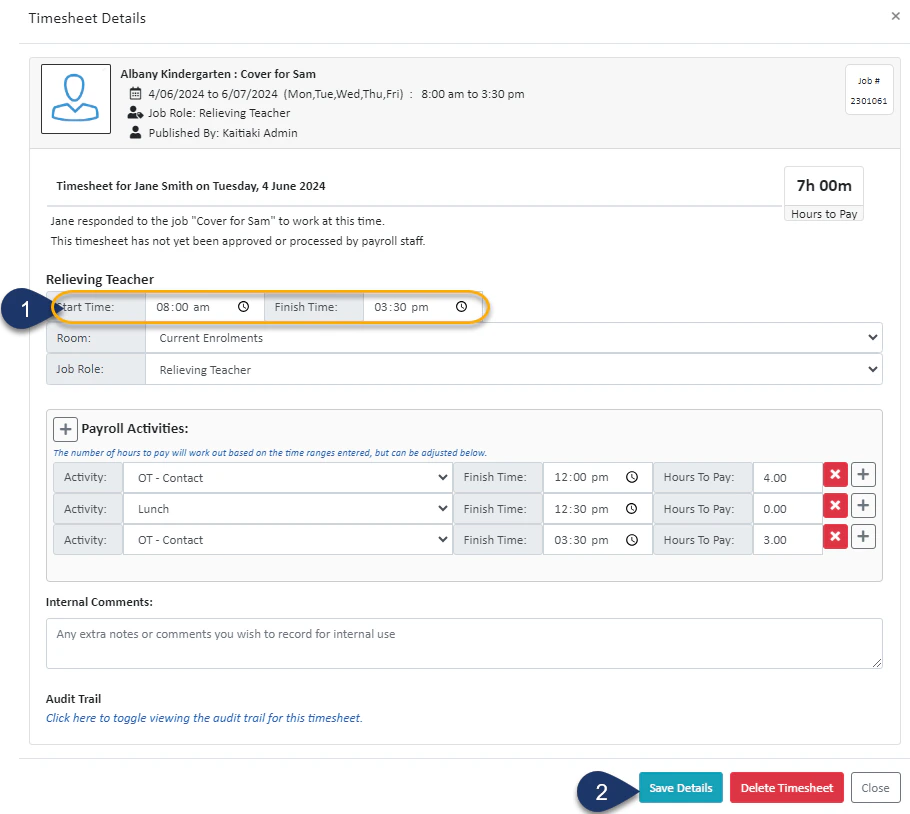
- Alter the start and finish time
- Select Save
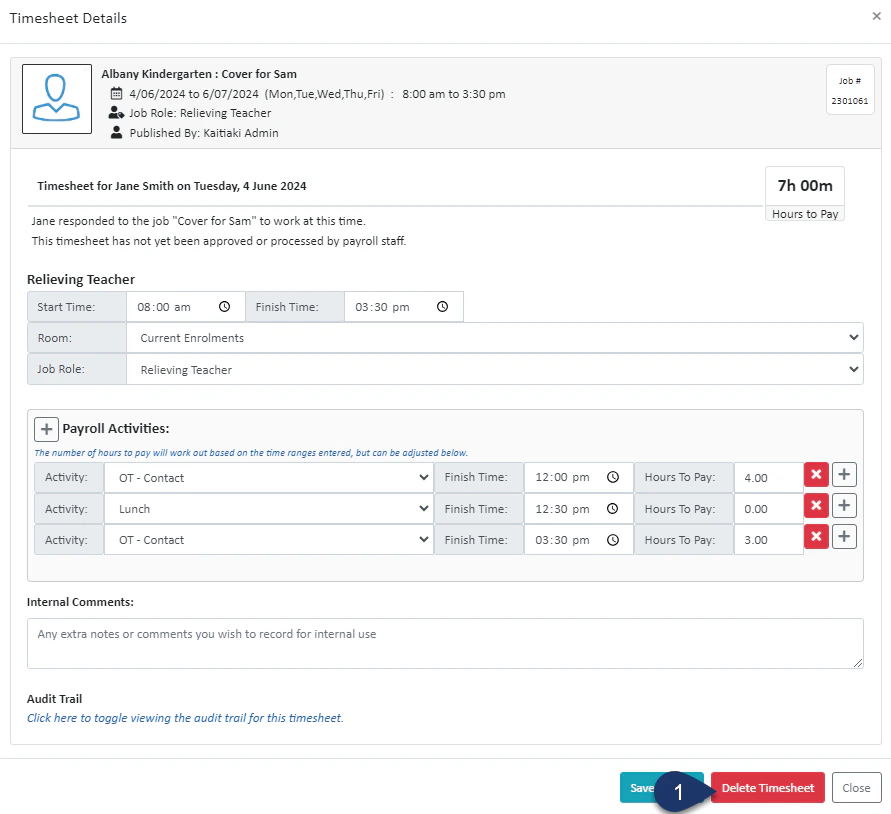
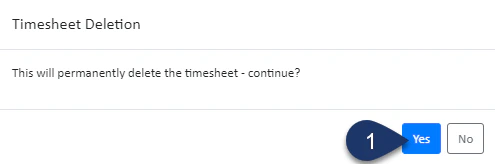
- Select Delete Timesheet