
.png?fit=max&auto=format&n=fTXEPIUfjW4rC1Pi&q=85&s=85d7b852879d29ad2bde9b743307ab0e)
Introduction
Welcome to Simplifi’s Jade Administration Software! This series of articles will give you a brief overview of the system and how to get started. For information on specific parts of the JAS, find a page on the left. Otherwise, use the guides included in the docs to set up modules:What is JAS?
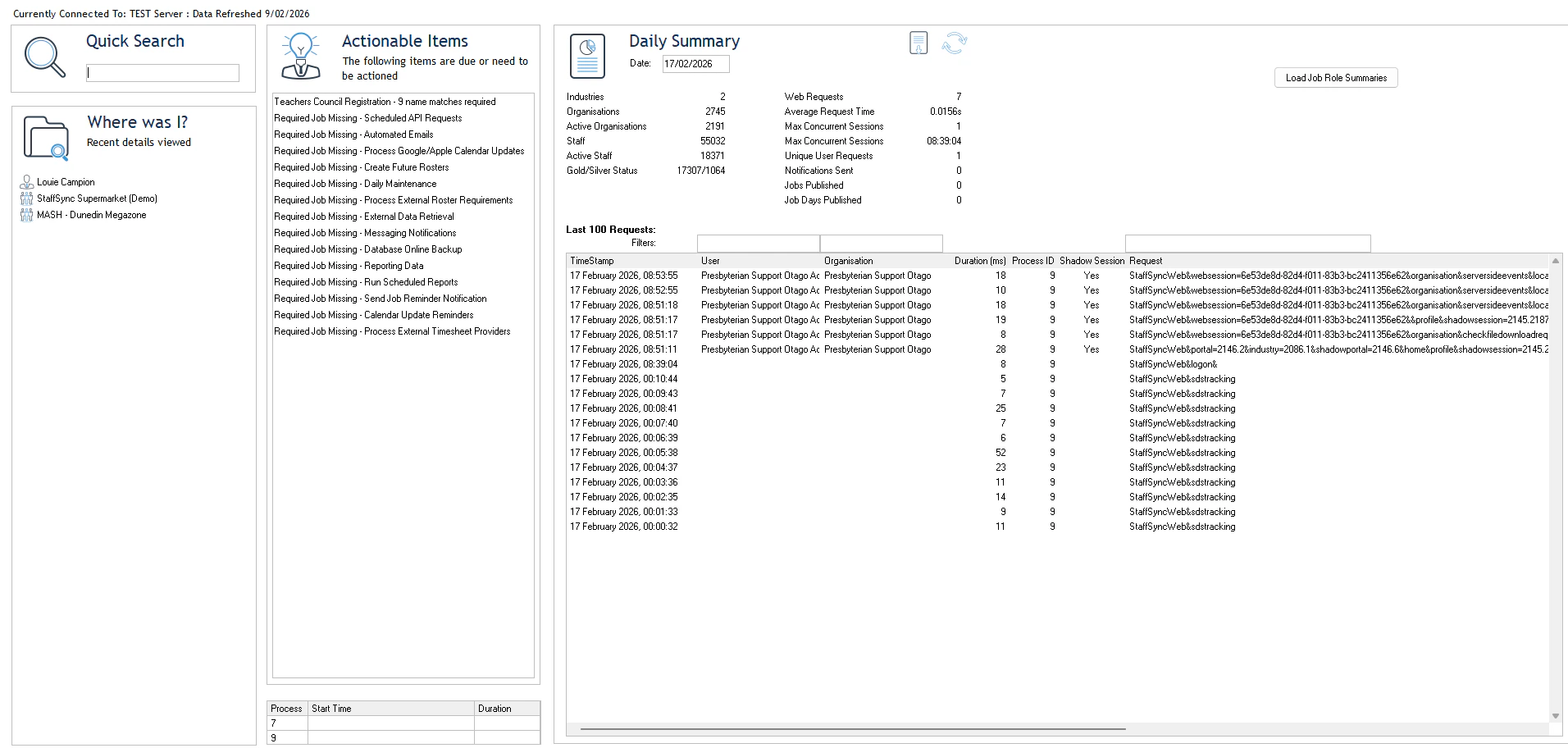
The JAS (Jade Administration Software) is the backend of Simplifi. The main purpose of the system is to set up Simplifi, organisations within Simplifi, and monitor Simplifi to ensure it is running smoothly for our clients. As you can see below in the diagram, this is our private, admin software. It lets you interact with the Simplifi servers and modify settings for the organisations that use our software from behind the scenes.-1.jpg?fit=max&auto=format&n=PUDMWwumfcNyslva&q=85&s=e7bb05669c1d6187bf51179770397067)
-1.jpg?fit=max&auto=format&n=PUDMWwumfcNyslva&q=85&s=1f752fdd97a22dce034caec6a82ae267)
.jpg?fit=max&auto=format&n=PUDMWwumfcNyslva&q=85&s=2a80add048a8780d880c7b01c6bb231d)
Navigating the UI
Navigate the main tabs using the UI at the top. This UI is laid out to give you easy access to the main ‘modules’ of Simplifi.Home Screen
Tool Bar
