
.png?fit=max&auto=format&n=fTXEPIUfjW4rC1Pi&q=85&s=85d7b852879d29ad2bde9b743307ab0e)
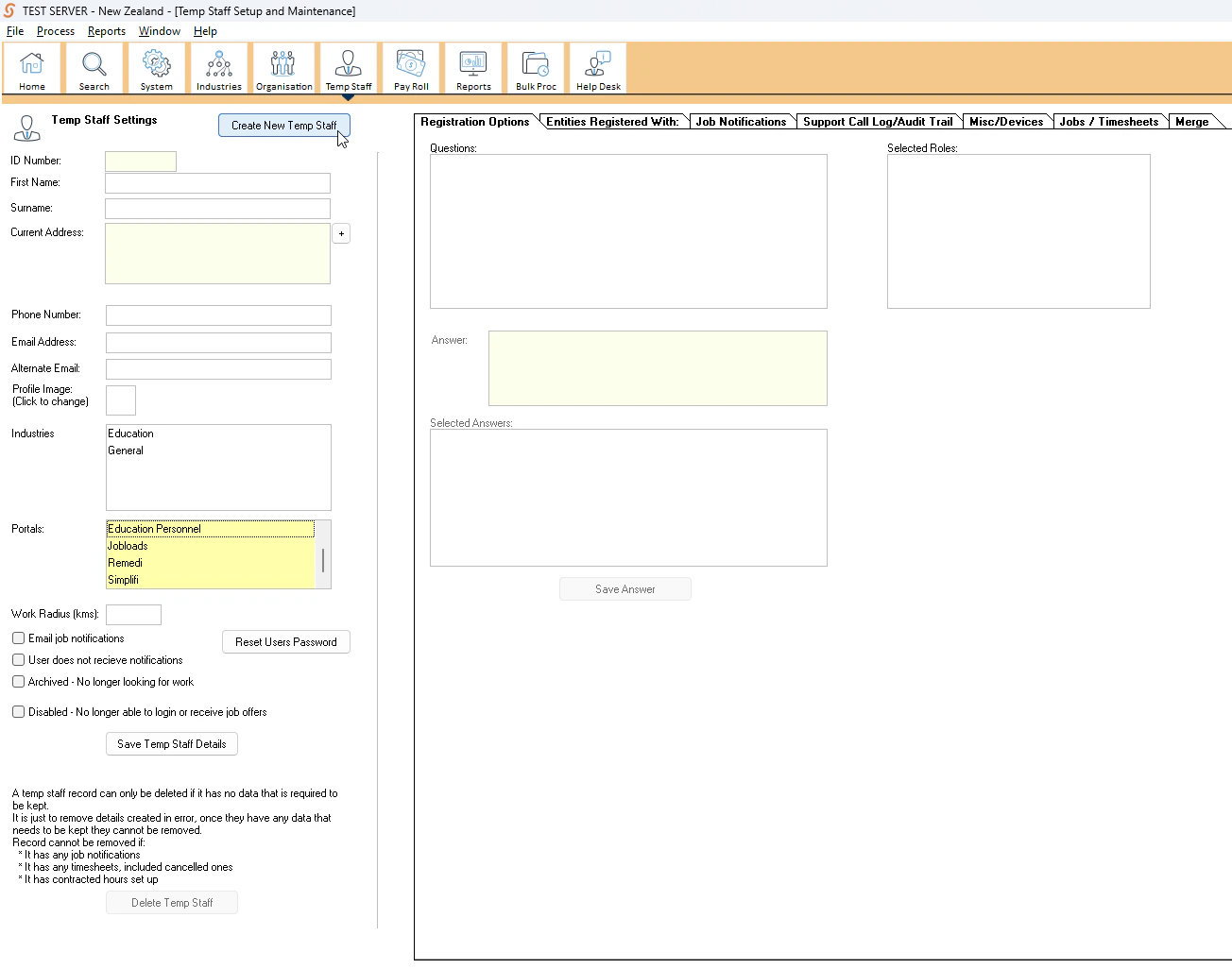
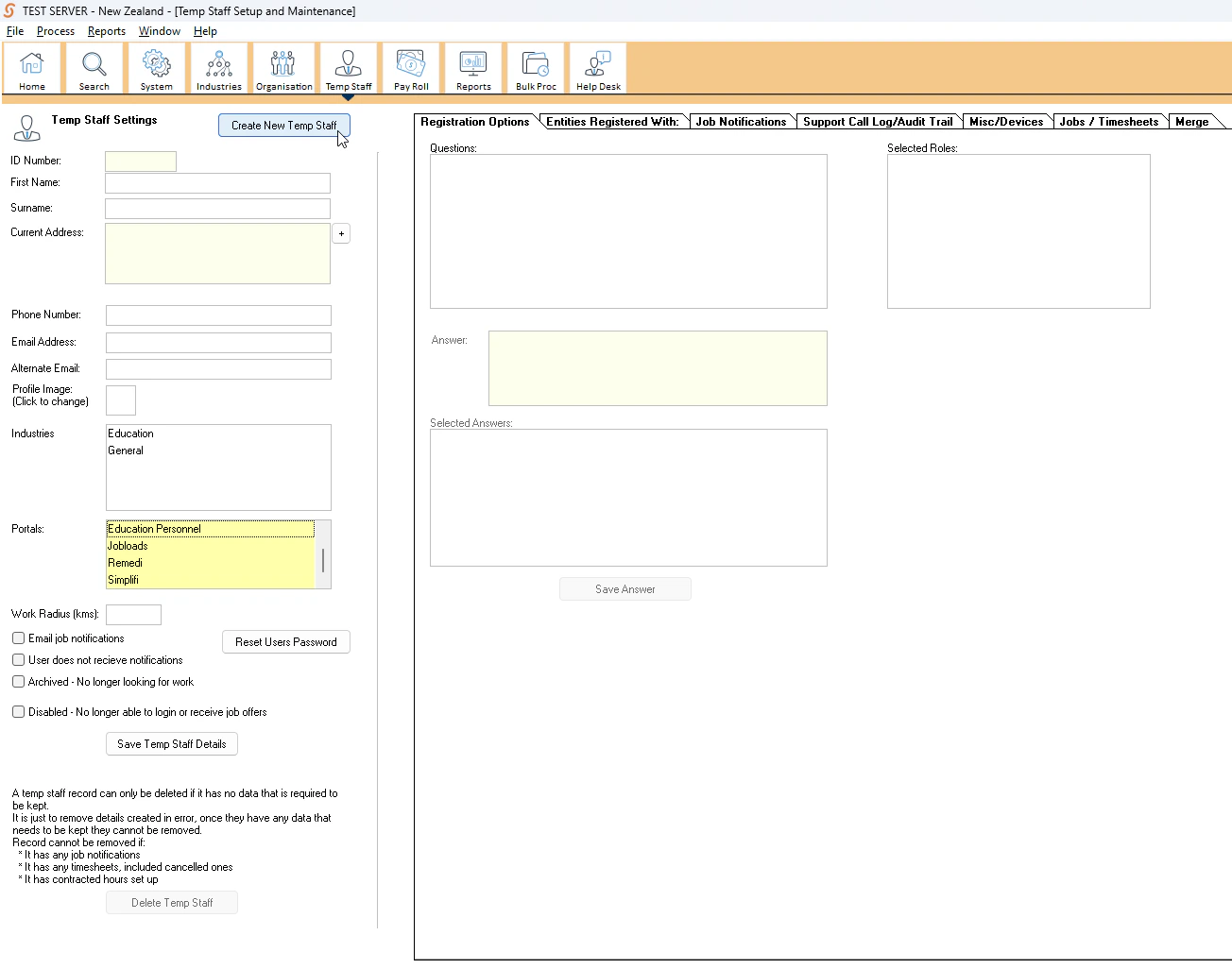
- Press Create New Temp Staff in the top left.
- Fill in their basic details such as their first name, surname etc. The ID number is auto-generated by the system. You do not need to enter one in.
- Select what Industry the temp staff is from. You may select both.
- Select what Portal the temp staff uses. You may select multiple.
- Enter their preferred work radius. This is how far the temp staff is willing to travel for work.
- Tick off the remaining check boxes as relevant.