> ## Documentation Index
> Fetch the complete documentation index at: https://docs.simplifi.work/llms.txt
> Use this file to discover all available pages before exploring further.
# How to Schedule a Report
To schedule an automated report:
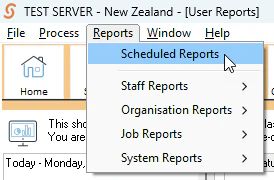
1. Press Scheduled Reports under the Reports tab on the tool bar
 2. Fill out the scheduled reports form. You need to at least enter a name but also should update the schedule for when you'd like the report to run.
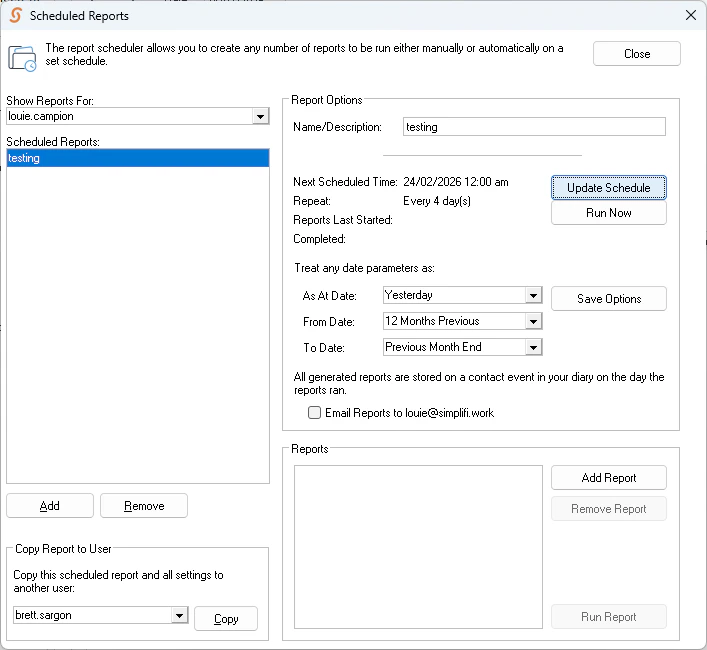 3. Select what reports are included using **Add Report**