> ## Documentation Index
> Fetch the complete documentation index at: https://docs.simplifi.work/llms.txt
> Use this file to discover all available pages before exploring further.
# Installing The Simplifi App
**Download the Simplifi Work App Using One of the Methods Below:**

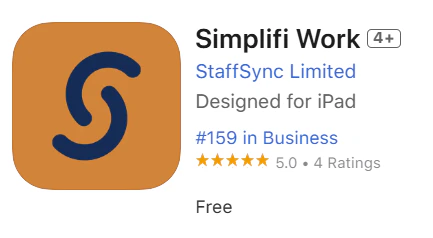 **If you are viewing this on your phone:**
Click the links below to download the app:
* [Download for Apple Phones](https://apps.apple.com/nz/app/simplifi-work/id6740308596)
* [Download for Android Phones](https://play.google.com/store/apps/details?id=simplifi.apps\&hl=en_NZ)
**If you’re not viewing this on your phone:**
Open the camera on your phone and scan the QR code below. Click the link that appears on your screen.
**If you are viewing this on your phone:**
Click the links below to download the app:
* [Download for Apple Phones](https://apps.apple.com/nz/app/simplifi-work/id6740308596)
* [Download for Android Phones](https://play.google.com/store/apps/details?id=simplifi.apps\&hl=en_NZ)
**If you’re not viewing this on your phone:**
Open the camera on your phone and scan the QR code below. Click the link that appears on your screen.